 Occazora
Wedding · Destination wedding · Sangeet and mehendi
Wedding invitations, travel, and stay, in one place
Each family gets a private page for the wedding. It has their RSVP, the schedule, their car from the airport, their hotel room, and a direct line to the team running the day.
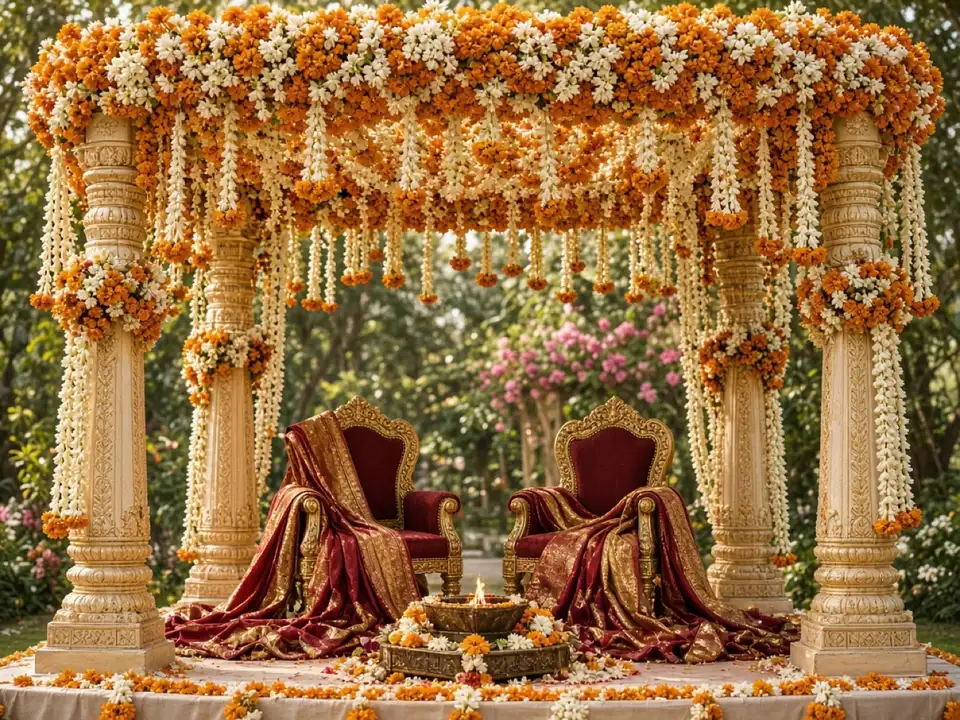
How it works
Name your celebration
Tap Start my celebration, choose the occasion and its picture, and add the date, time, and address.
Add your families
Type each family, or paste your whole list from Excel or Google Sheets.
Send the private links
Tap Send next, and WhatsApp opens with that family’s invitation, ready to send.
Watch the replies come in
See who is coming and how many, answer questions, and thank everyone after the day.
Keep them for the next celebration
Save the families in your guest book. Next time, add Relatives, Friends, or everyone in one tap. Each family gets a new private link.
What hosts use it for
Every event on one schedule
Haldi, mehendi, sangeet, the muhurtham, and the reception appear in order on every family’s page.
Airport pickups that match flights
Guests enter their flight number. The transportation desk sees who lands when, and assigns each family a car and driver.
Hotel rooms
Add each hotel and its rooms. Families see where they are staying and who to ask if something is wrong with the room.
One desk for each job
Food, transportation, accommodation, and parking each have their own list of requests, so the right helper answers.
Changes reach everyone
Move a time or change a venue, and Occazora writes the update for every family you already invited, without a broadcast list.
What guests and hosts see
Each family opens a private link on WhatsApp—not a group chat. Screens below match Wedding (sample layouts; your date, address, and family names are yours).
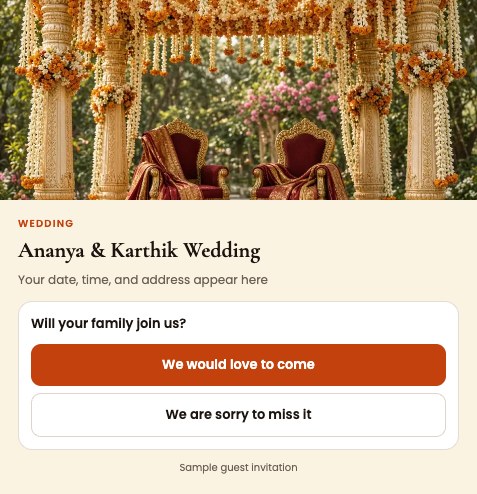
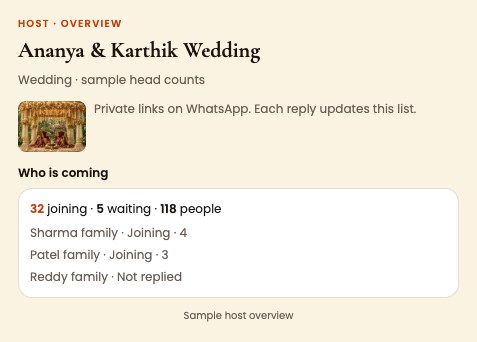
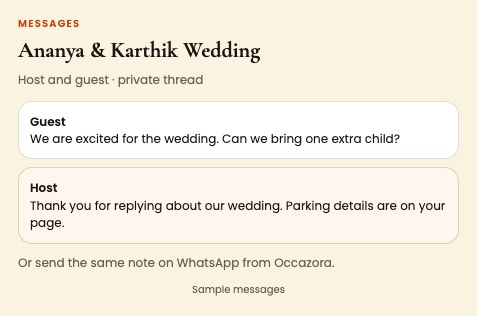
Try the sample event on your phone before you invite anyone.
Questions
We have 200 families. Will it work?
Yes. Import the list from a spreadsheet and send each link with one tap. Ask for a larger guest list when you start, and the admin approves it, usually within a day.
Can our wedding planner or cousins help run it?
Yes. Event manager view shows every desk. Department leads can also have their own sign-in for just their desks; write to support@occazora.app to set it up.
Do guests see each other’s details?
No. Each family opens only their own page with their own private link.
What about a destination wedding?
In Celebration details, choose the Destination wedding picture and a Hosted weekend, and flights, hotels, and cars are all on. Watch a short sample that ends with housewarmings, poojas, and more at occazora.app/destination-wedding.
Ready when you are
Free to start. Your guest list stays private to your family.