 Occazora
Half saree and dhoti ceremony
Half saree and dhoti ceremony invitations, with RSVPs and the day planned
Invite every family to the half saree and dhoti ceremony with a private link on WhatsApp. You see who is coming and how many, and relatives traveling in get their ride and room on the same page.
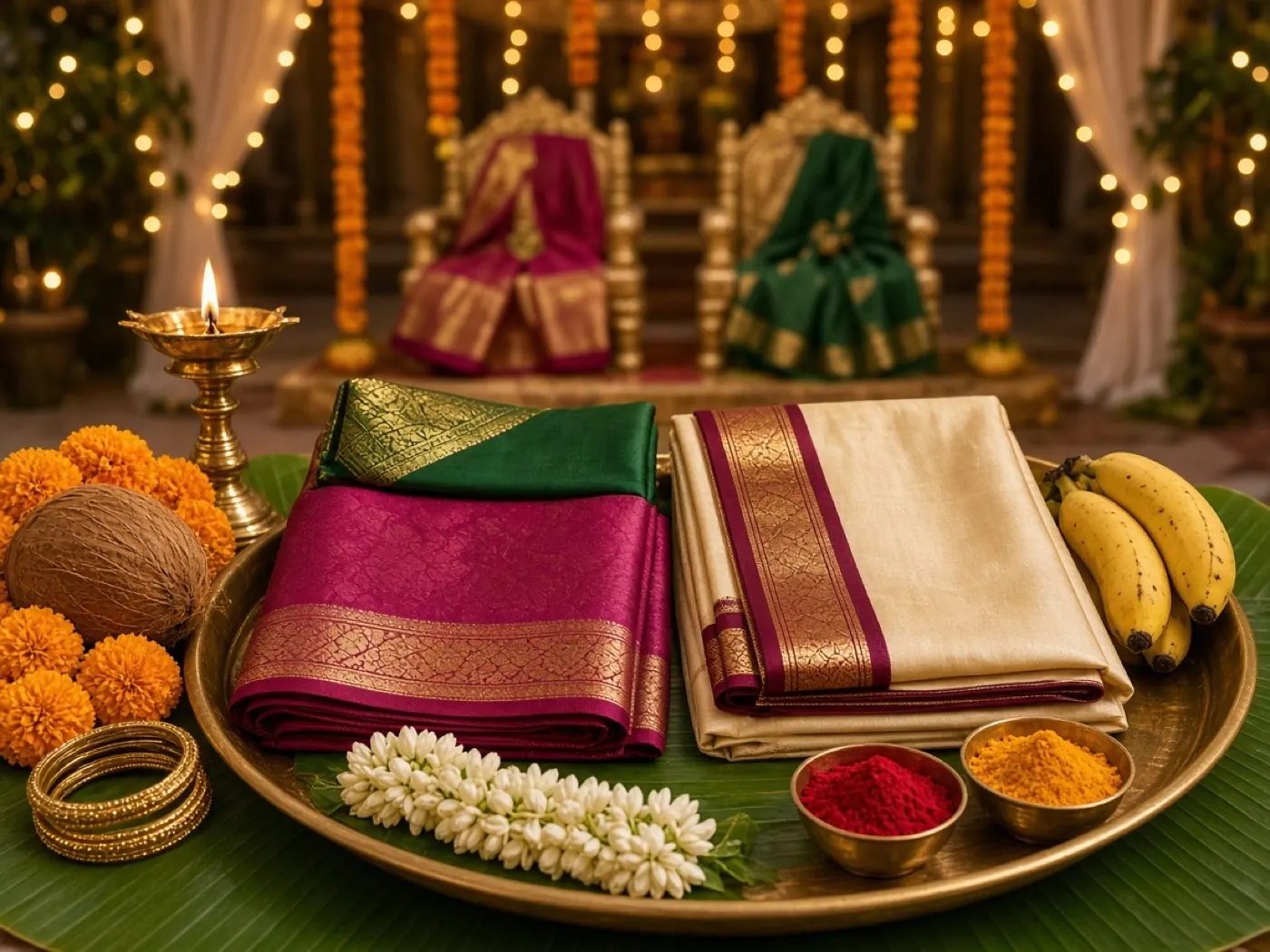
How it works
Name your celebration
Tap Start my celebration, choose the occasion and its picture, and add the date, time, and address.
Add your families
Type each family, or paste your whole list from Excel or Google Sheets.
Send the private links
Tap Send next, and WhatsApp opens with that family’s invitation, ready to send.
Watch the replies come in
See who is coming and how many, answer questions, and thank everyone after the day.
Keep them for the next celebration
Save the families in your guest book. Next time, add Relatives, Friends, or everyone in one tap. Each family gets a new private link.
What hosts use it for
Ceremony moments
List the mangala snanam, the ceremony, and lunch with their times, so elders know when to arrive.
Head counts for the caterer
Every reply includes adults and children, and the total updates as families answer.
Relatives from far away
Grandparents and cousins flying in add their flight, and you see who needs a pickup and a room.
Photos and thank-you notes
After the function, families send their blessings and can share photos from the day.
What guests and hosts see
Each family opens a private link on WhatsApp—not a group chat. Screens below match Half saree and dhoti (sample layouts; your date, address, and family names are yours).
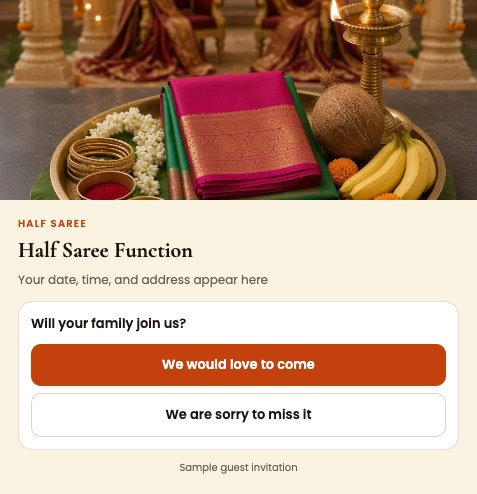
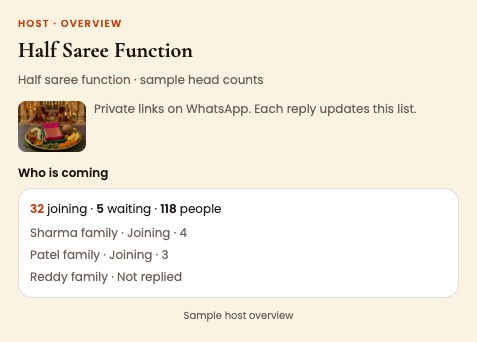
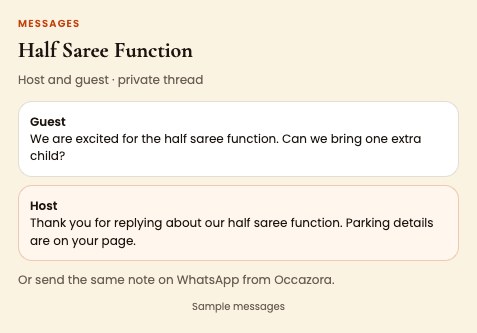
Try the sample event on your phone before you invite anyone.
Questions
Do elders need a smartphone app?
No. The link opens in WhatsApp or the browser, and there is nothing to install or remember.
Can I change the time after sending?
Yes. Save the new time, and Occazora prepares a note to every family you already invited.
How do I add many relatives at once?
Paste your list from Excel or Google Sheets. Each family needs a last name and a phone number.
Is my guest list private?
Yes. Only your family and the people you choose to help can see the list.
Ready when you are
Free to start. Your guest list stays private to your family.